
Barco
ClickShare Conference
Wireless Room Technology
How can ClickShare Conference help you?
ClickShare Conference helps team members and guests connect in easy, effective video collaboration in any meeting room.
With just one click, you can wirelessly share your screen or start a video meeting from your laptop. Using the room display, camera and speakers. And you’re sure all content and every participant is seen and heard, whether people are right there in the room or joining remotely.
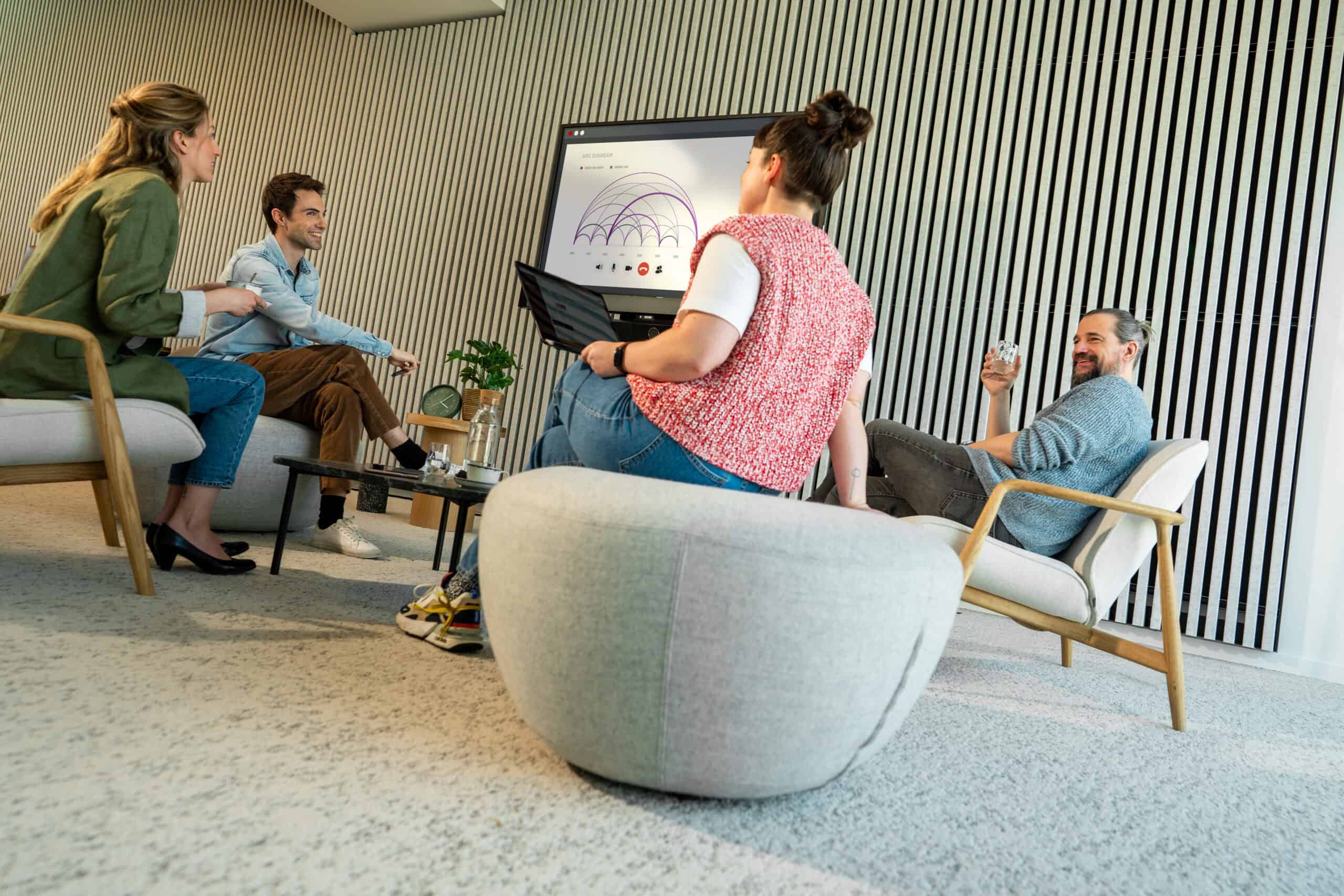
Get started within seconds. No cables, no mess, no time to waste.
How does ClickShare Conference work?
- Walk into the room with your laptop. ClickShare Conference shows you if the room is available or not
- Automatically detects your presence
- Wirelessly connects you to the room display and audio & video devices
- Starts the video conference from your calendar with one click
- Matches with any video conferencing platform
- Instantly helps you share content with either the ClickShare Button or ClickShare App for full BYOD
- Always shows people and content on screen gives you access to interactivity features like touch-enabled support, blackboarding or annotation
- Enables your display for digital signage when not used for meeting
Smarter and better meetings
No longer experience challenges to:-

Connect the laptop to audio & video devices

Power up the meeting room

Join a meeting from a calendar on a laptop
